The 5 Best TV Wall Mounts (2026): Full-Motion, Corner, Tilt and Small-TV Picks
Five TV wall mounts worth buying, picked from Tom's Guide, TechRadar, Bob Vila and Popular Science testing plus maker spec sheets: a best overall full-motion mount, a value full-motion pick, a corner mount, a cheap low-profile tilt mount and a small-TV arm.

We may earn a commission if you buy through links on this page. It never changes what we recommend. As an Amazon Associate we earn from qualifying purchases. Learn more.
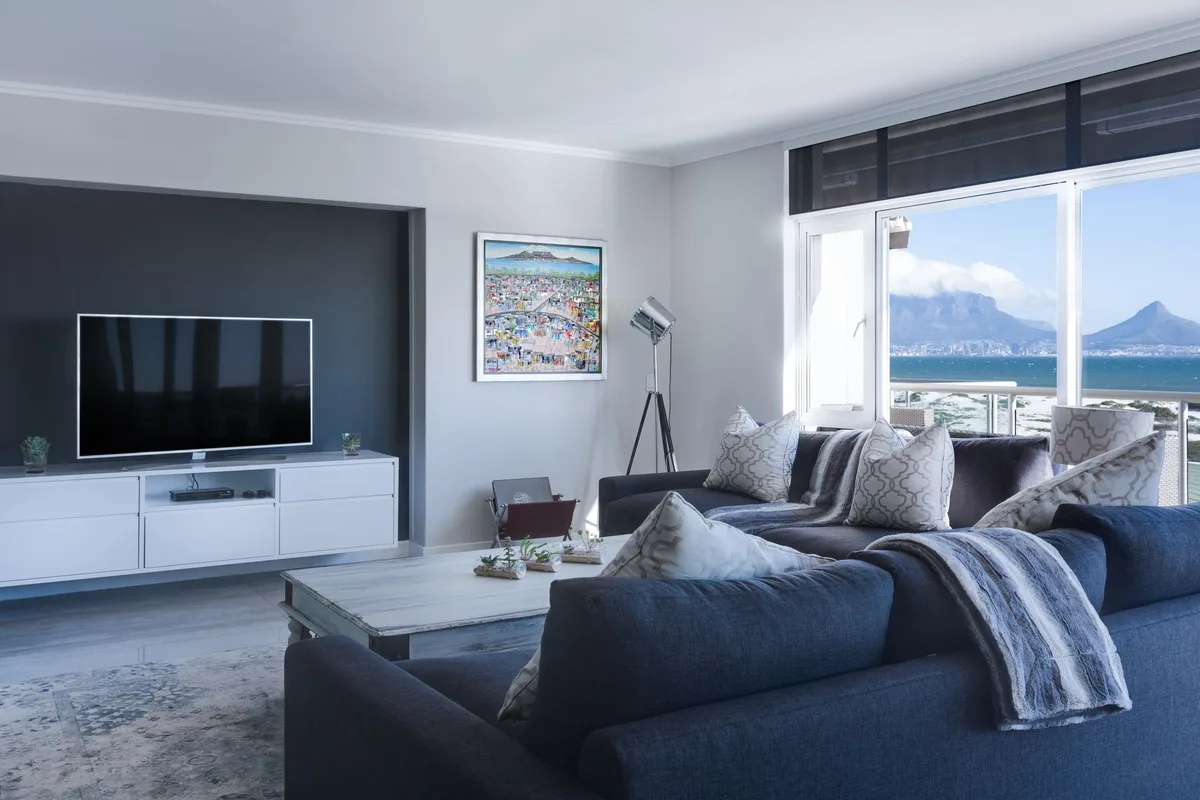
Our top picks at a glance
- Check Amazon Price
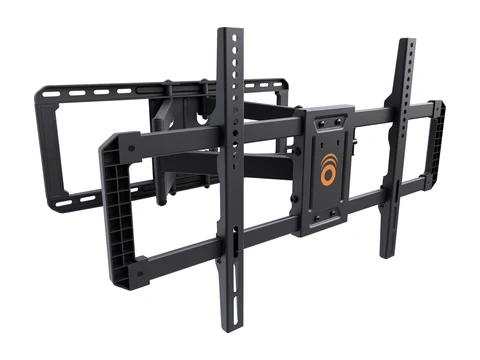
Tom's Guide, Bob Vila and Popular Science all named it the best overall. It holds 42- to 90-inch TVs up to 125 pounds and pulls out 22 inches. Read more
Pros
- Fits 42 to 90 inch TVs up to 125 lb
- Extends 22 inches and swivels 130 degrees
- Works on 16 or 24 inch studs
- Level it after it's on the wall
Cons
- Sits 2.4 inches off the wall when pushed back
- Tilt and swivel move easily if bumped
- Check Amazon Price
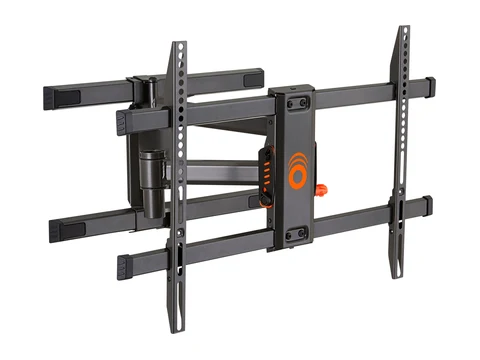
TechRadar's best full-motion mount. It's cheaper than the EGLF2, swivels 140 degrees and slides 5.4 inches sideways to center the TV. Read more
Pros
- TechRadar's best full-motion pick
- 140 degrees of swivel
- Slides 5.4 inches left or right on the wall plate
- Heavy-duty steel arms
Cons
- Only fits 16 or 17 inch stud spacing
- Tops out at 82 inches and 110 lb (Echogear's rating)
- Sits 2.9 inches off the wall
- Tilt can be fiddly
- Check Amazon Price
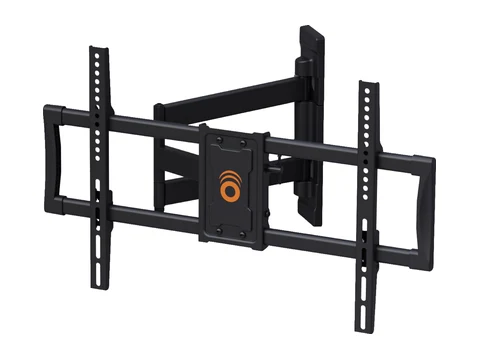
A single-stud arm that reaches out 24 inches, so a TV can sit square in a corner. A Tom's Guide TV tester uses it at home. Read more
Pros
- Up to 65 inches in a corner or 75 inches on a flat wall
- Extends 24 inches
- Mounts to one stud 9.5 to 25 inches from the corner
- Drilling template included
Cons
- 90 lb limit
- A single arm is harder to center than a dual-stud plate
- Check Amazon Price
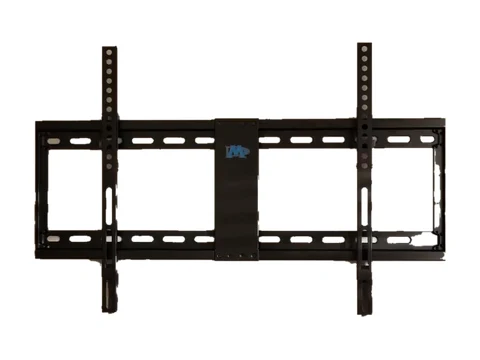
A low-profile tilt mount for 37- to 70-inch TVs. Tom's Guide calls it Amazon's best-selling TV mount, and TechRadar found a version of it the easiest to install of a batch it tested. Read more
Pros
- About 1.5 inches from the wall
- Holds up to 132 lb
- Release straps for reaching the ports
- Very low price
Cons
- Only 8 degrees of tilt
- No leveling after it's installed
- Taking the TV down takes a third person
- Check Amazon Price
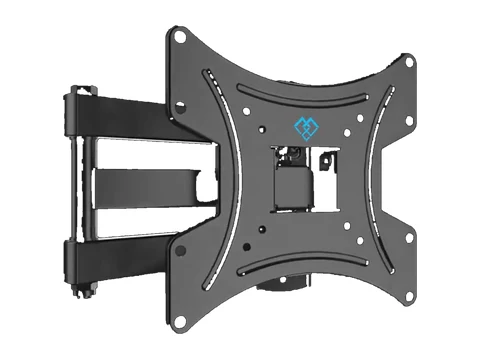
TechRadar's best mount for small TVs. A single arm for 13- to 42-inch screens in a kitchen, bedroom or office that folds back when you're done. Read more
Pros
- Fits 13 to 42 inch TVs up to 44 lb
- Extends about 14 inches and swivels 90 degrees
- Folds back out of the way
- Costs less than a pizza
Cons
- You loosen a bolt to tilt it
- No cable management
- Instructions are vague about which bolt goes where
Most people shop for a TV mount by TV size. But the spec that decides whether a mount actually goes up is behind your drywall: how far apart your studs are. Some popular full-motion mounts only fit studs 16 inches apart, and the weight rating means nothing if the bolts don’t hit wood.
I went through the TV mount picks and hands-on notes from Tom’s Guide, TechRadar, Bob Vila and Popular Science, plus each maker’s spec sheet, and narrowed it to five: two full-motion mounts, a corner mount, a cheap tilt mount and a small-TV arm. I left out Sanus’s full-motion and tilt mounts that showed up on older lists, because Sanus now lists them as discontinued.
Quick comparison
| Mount | Type | TV sizes | Max weight | Extends | Approx. price |
|---|---|---|---|---|---|
| Echogear EGLF2 | Full-motion, dual stud | 42 to 90 in | 125 lb | 22 in | $115 to $130 |
| Echogear EGLF3 | Full-motion, dual stud | 43 to 82 in | 110 lb | 19 in | $80 to $85 |
| Echogear EGCM2 | Corner, single stud | Up to 65 in (corner), 75 in (flat wall) | 90 lb | 24 in | $70 to $75 |
| Mounting Dream MD2268-LK | Tilt, low profile | 37 to 70 in | 132 lb | 1.5 in profile | $30 |
| Perlesmith PSSFK1 | Full-motion, single arm | 13 to 42 in | 44 lb | About 14 in | $15 to $20 |
Specs come from each maker's spec sheet or the testers named below. Prices are typical November 2026 prices and change often.
1. Echogear EGLF2: Best overall
Best for: Most living rooms, especially big TVs you want to pull out and angle.
This is the mount the testers agree on. Tom’s Guide, Bob Vila and Popular Science all named it their best overall. It holds 42- to 90-inch TVs up to 125 pounds, pulls out 22 inches, swivels 130 degrees and tilts 15 degrees down. It fits studs 16 or 24 inches apart, and you can fine-tune the level by about 3 degrees after the TV is up. Bob Vila’s tester said it was by far the easiest mount they had installed.
What bugs us: Pushed back, it still sits 2.4 inches off the wall. Popular Science found the tilt and swivel so smooth that a bump can move the TV. If you have concrete or block walls, Bob Vila notes you need to request the right anchors from Echogear.
Skip it if: you never plan to move the TV. A tilt mount sits closer to the wall for a lot less money.
2. Echogear EGLF3: Best value full-motion
Best for: Full motion on a budget, with TVs up to 82 inches.
TechRadar named it the best full-motion mount, and a Tom’s Guide TV tester calls it their go-to. It swivels 140 degrees, pulls out 19 inches and tilts 15 degrees down. The arm slides 5.4 inches left or right on the wall plate, so you can center the TV even when your studs aren’t where you want them. TechRadar found the steel brackets heavy and solid.
What bugs us: It only fits studs 16 or 17 inches apart, so check your wall first. Echogear rates it for 110 pounds and 82 inches. It sits 2.9 inches off the wall, and TechRadar found the tilt took some back and forth to set.
Skip it if: your studs are 24 inches apart or your TV is bigger than 82 inches. Get the EGLF2.
3. Echogear EGCM2: Best corner mount
Best for: Corners, small living rooms and bedrooms.
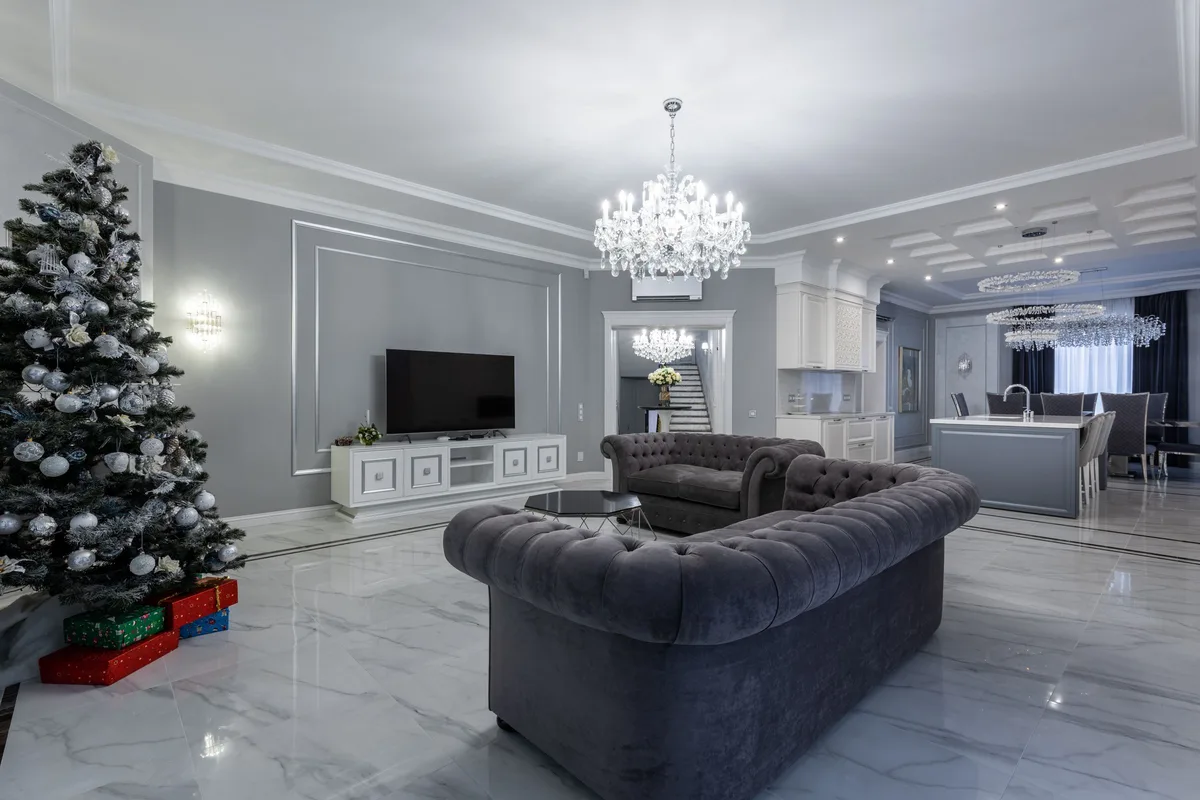
This one bolts to a single stud anywhere from 9.5 to 25 inches from the corner, then reaches out 24 inches so the TV can face the room. Echogear rates it for TVs up to 65 inches in a corner or 75 inches on a flat wall, and up to 90 pounds. A Tom’s Guide TV tester uses it at home with a Samsung OLED and liked the measuring guide in the box and the caps that hide the bolts.
What bugs us: The 90-pound limit rules out some big older TVs, and a single-stud arm is harder to center than a wide wall plate.
Skip it if: your TV goes on a flat wall with two studs. The EGLF2 or EGLF3 is steadier.
4. Mounting Dream MD2268-LK: Best budget tilt mount
Best for: A clean, close-to-the-wall look for about $30.
Tom’s Guide calls it the best-selling TV mount on Amazon and its pick for big TVs. It holds 37- to 70-inch TVs up to 132 pounds, sits about 1.5 inches from the wall and tilts 8 degrees to cut glare. Pull straps release the TV when you need to reach the ports. TechRadar named a version of this mount its best for most people and found it the easiest to install of a batch it tested.
What bugs us: Eight degrees of tilt isn’t much if the TV goes up high. There’s no way to fix the level once it’s installed, so get it right the first time. TechRadar needed a third person to pull the straps when taking the TV down.
Skip it if: you want to swivel the TV toward different seats.
5. Perlesmith PSSFK1: Best for small TVs
Best for: Small TVs in a kitchen, bedroom, garage or office.
TechRadar named it the best mount for small TVs. It fits 13- to 42-inch TVs up to about 44 pounds, pulls out about 14 inches, swivels 90 degrees and folds back toward the wall when you’re done. It’s one of the cheapest full-motion mounts around.
What bugs us: To tilt it, you loosen a bolt, which TechRadar called a hack. There’s no cable management, and the instructions aren’t clear about which bolt goes where.
Skip it if: your TV is bigger than 42 inches.
Our research
We relied on the TV mount guides and hands-on notes from Tom’s Guide, TechRadar, Bob Vila and Popular Science, plus each maker’s spec sheet. We focused on:
- Fit: TV size, weight rating and VESA pattern
- Your wall: stud spacing, and whether one stud or two is needed
- Movement: extension, swivel, tilt and how far the mount sits from the wall
- Install effort: templates, leveling after install and how clear the instructions are
We haven’t tested these ourselves. Prices are typical November 2026 prices and change often. Read more about how we pick products.
Check these before you buy
- Your TV’s VESA pattern. It’s the hole spacing on the back of your TV, in millimeters (for example, 300 x 300). Look for it in the manual or on the label, and make sure it falls inside the mount’s range.
- Your TV’s weight. Use the weight without the stand, and stay under the mount’s limit.
- Your stud spacing. Most walls have studs 16 inches apart, but not all. A stud finder settles it in a minute.
- What’s behind the wall. Brick, block and concrete need different anchors than wood studs. Use the right ones, or have a pro do it.
Short answers
Full-motion, tilt or fixed? Full-motion mounts let you pull the TV out and angle it toward different seats, but they sit farther from the wall and cost more. Tilt mounts sit close to the wall and angle the screen down, which helps when a TV goes up high. Fixed mounts sit closest of all but don’t move.
Can I mount a TV without studs? Some mounts are made for drywall, but they carry less weight and have limits. For a big TV, find the studs.
Should I mount my TV over a fireplace? Tom’s Guide advises against it, because heat and smoke can damage the TV and the screen ends up too high for comfortable viewing.